
All
Ai Content Generator
Ai Picture
Tell Your Story

 Digital Technology
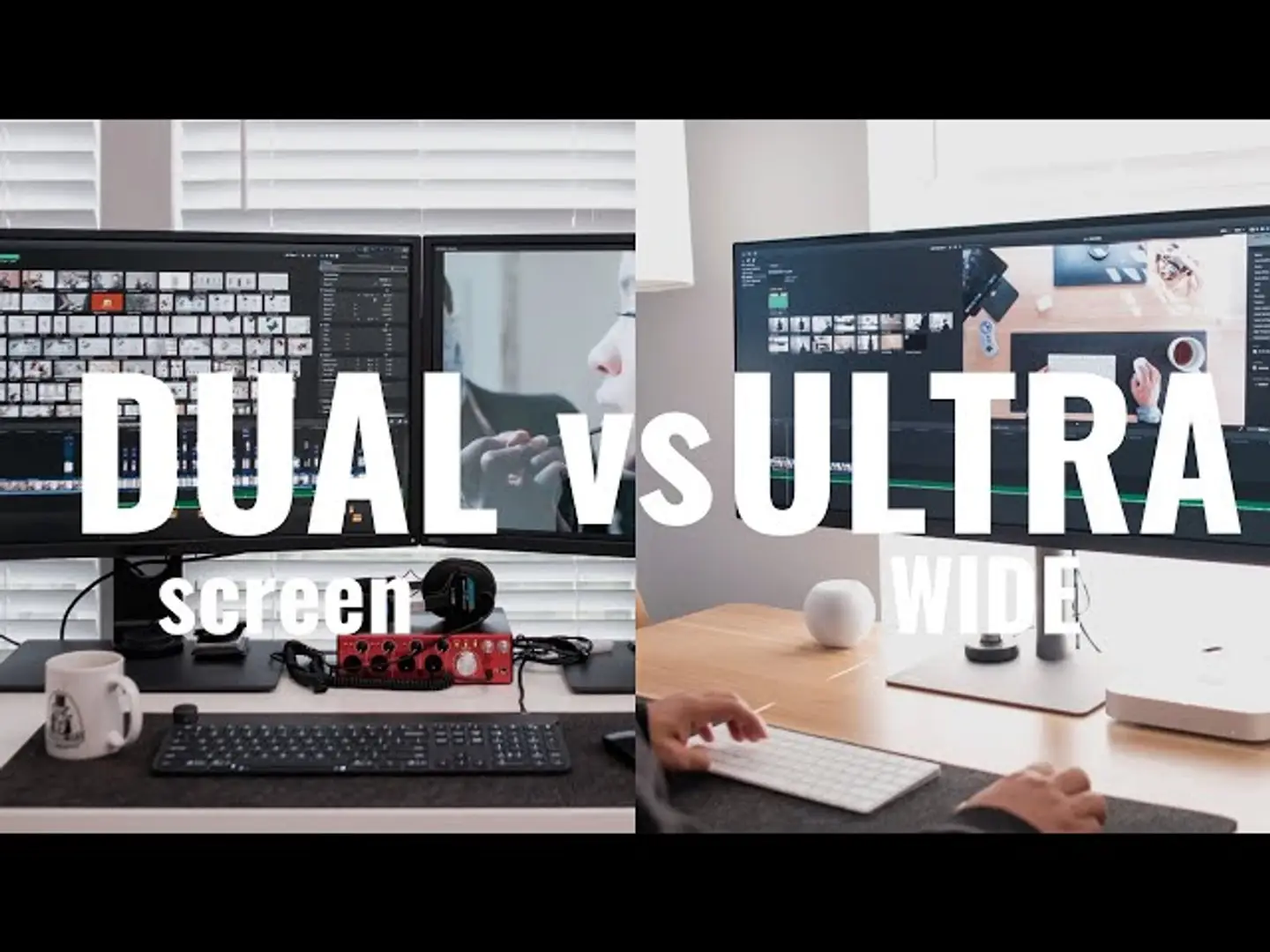
"Choosing the Right Lens for Landscape Photography: Dual Monitor vs Ultrawide Monitor"
Choosing the Right Monitor Setup for Landscape Photography: Dual Monitor vs. Ultrawide Monitor – Enhancing Your Editing Experience
FULL VIDEO
Overview
A high-quality monitor setup is essential for landscape photographers who need accurate color, wide views, and efficient multitasking for editing. Both dual monitors and ultrawide monitors offer unique benefits for photography workstations, but choosing the right setup depends on your workflow preferences and editing needs. Here’s a comparison to help you decide.
Features
- Dual Monitors:
- Increased Workspace: Two separate screens provide ample space for multitasking, allowing you to edit on one screen while viewing reference images or tools on the other.
- Customizable Layout: Flexibility to adjust the position and angle of each monitor for optimized ergonomics.
- Resolution Options: Option to mix-and-match monitors with different resolutions, sizes, or types, enhancing versatility.
Ultrawide Monitor:
- Seamless Display: An uninterrupted wide screen with a 21:9 aspect ratio or more, perfect for viewing panoramic shots and editing in a single, immersive space.
- Efficient Workflow: Eliminates bezels between screens, making it easier to manage large files and tools in one area.
- Curved Options: Many ultrawide models are curved, reducing eye strain and providing a more natural field of view.
Reviews
Photographers who use dual monitors often highlight the multitasking benefits and layout flexibility. This setup is appreciated for complex workflows that require multiple applications or toolbars open simultaneously. On the other hand, ultrawide monitors are praised for their seamless, uninterrupted workspace, which is ideal for editing large images and immersive editing experiences, though they may require more desk space.
Pros and Cons
Dual Monitors:
Pros:
- Greater multitasking capabilities.
- Flexible positioning and size customization.
- Easy upgrades by adding or replacing individual monitors.
Cons:
- Bezels between screens can disrupt the viewing experience.
- Requires more calibration to ensure color consistency.
Ultrawide Monitor:
Pros:
- Continuous, bezel-free viewing experience.
- Great for large photo editing and panoramic views.
- Curved options improve immersion and reduce eye strain.
Cons:
- Requires significant desk space.
- Typically higher cost compared to dual monitor setups.
Benefits
- Dual Monitors: Excellent for photographers needing a highly customizable setup with ample space for multitasking. Ideal for those who work with multiple applications or tools simultaneously.
- Ultrawide Monitor: Perfect for immersive editing, providing a continuous view for detailed, panoramic photos. It’s a solid choice for photographers who prioritize a streamlined workspace and focus on large, high-quality images.
Conclusion
Both setups enhance productivity and viewing quality, but they cater to different editing styles. For a flexible, multitasking-friendly layout, go with a dual monitor setup. If you want an immersive, uninterrupted screen to focus on large landscapes and detailed edits, the ultrawide monitor is the best option. Choose based on your workspace needs and how you prefer to manage your editing workflow.
Related Posts
© 2025 Invastor. All Rights Reserved
User Comments