
All
Ai Content Generator
Ai Picture
Tell Your Story

 Creative Technologies
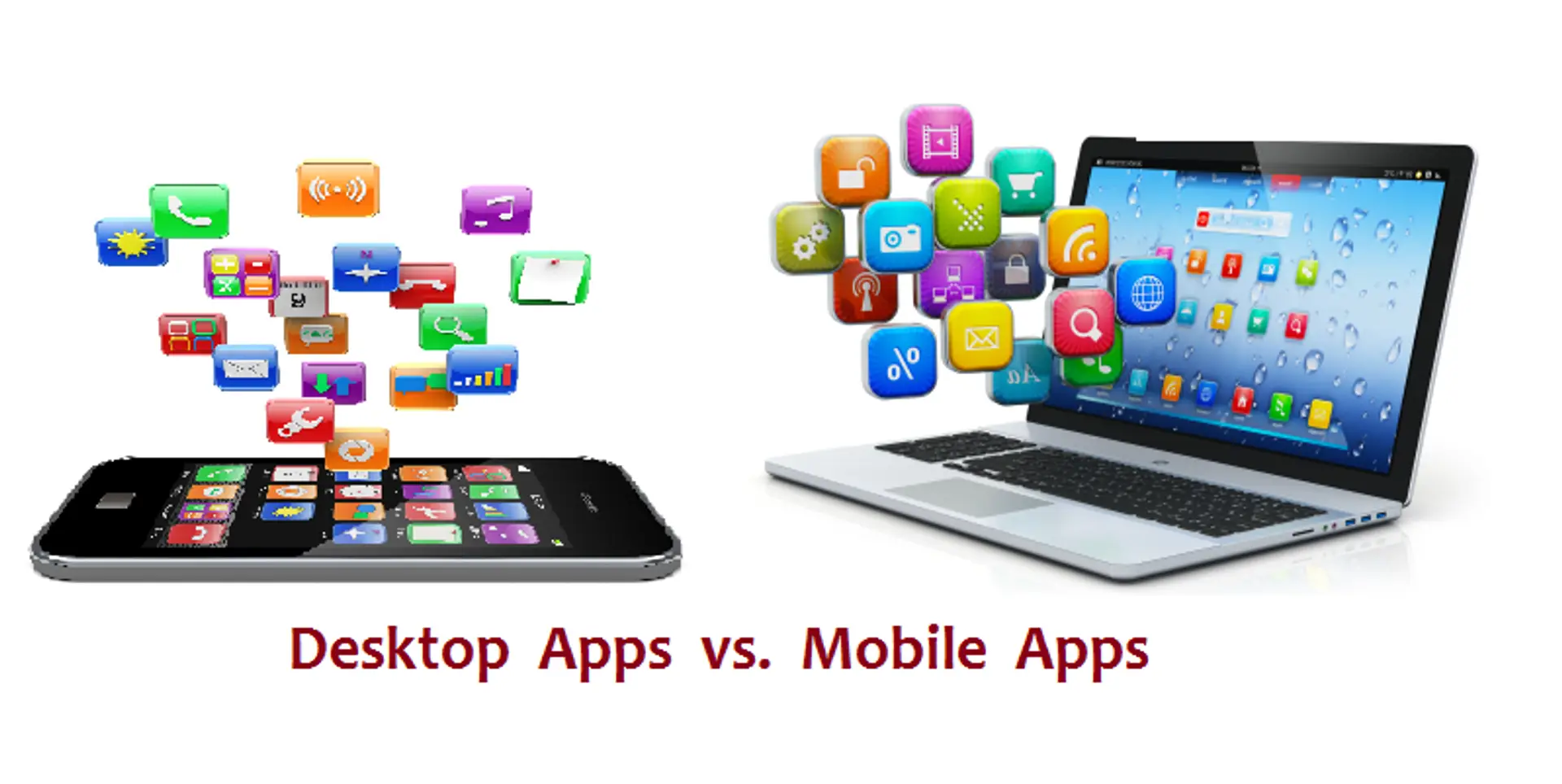
Mobile Apps vs. Desktop Software – Which offers better functionality?
Mobile Apps vs. Desktop Software: Which Offers Better Functionality?
Overview
As technology continues to advance, users increasingly navigate the choice between mobile apps and desktop software for their productivity and entertainment needs. Each platform provides unique functionalities, catering to different usage scenarios. Understanding the strengths and limitations of both can help users determine which option best meets their requirements.
Benefits
Mobile Apps:
- Portability: Mobile apps enable users to access their tools and services on the go, allowing for convenience and flexibility in various environments.
- Touchscreen Interaction: Designed for touch, mobile apps often feature intuitive interfaces that facilitate quick navigation and interaction.
- Real-Time Notifications: Many mobile apps provide instant notifications, keeping users updated on important information and tasks.
Desktop Software:
- Powerful Functionality: Desktop software typically offers more robust features and capabilities, making it suitable for complex tasks and professional-grade work.
- Larger Screen Real Estate: The larger display of desktops allows for multitasking and improved visibility, which is beneficial for detailed work.
- Greater Integration: Desktop software often integrates seamlessly with other software and hardware, enhancing productivity and workflow efficiency.
Features
Mobile Apps:
- User-Friendly Design: Many mobile apps prioritize simplicity and ease of use, making them accessible for a wide range of users.
- Offline Access: Some apps allow for offline functionality, enabling users to work without an internet connection.
- Geolocation Services: Mobile apps can leverage GPS and location services for features like navigation, local recommendations, and check-ins.
Desktop Software:
- Advanced Tools: Desktop applications often provide advanced tools and settings that cater to professional users, such as graphic design software or coding environments.
- Customization Options: Users can often customize settings and layouts extensively, tailoring the software to their specific workflows.
- Resource Intensive: Desktop software can utilize the full processing power of the computer, allowing for more demanding applications, such as video editing and gaming.
Pros and Cons
Mobile Apps:
Pros:
- Highly portable and convenient for on-the-go use.
- Designed for touch interfaces, enhancing user experience.
- Instant notifications keep users engaged and informed.
Cons:
- Limited functionality compared to desktop software for complex tasks.
- Screen size constraints can hinder multitasking.
- Performance may vary based on device specifications.
Desktop Software:
Pros:
- More powerful and feature-rich, suitable for professional tasks.
- Larger screens facilitate multitasking and detailed work.
- Better integration with other tools and systems.
Cons:
- Less portable; requires a desktop or laptop setup.
- Can be more complex to learn and navigate for beginners.
- Higher system requirements may limit accessibility for some users.
Conclusion
The choice between mobile apps and desktop software ultimately depends on the user's needs, preferences, and the nature of the tasks at hand. Mobile apps excel in portability, user-friendly design, and real-time updates, making them ideal for casual users who prioritize convenience and flexibility. They are particularly suited for communication, social media, and quick tasks that can be accomplished on the go.
In contrast, desktop software offers enhanced functionality, advanced tools, and a larger workspace, making it the preferred choice for professionals engaged in complex tasks, such as design, programming, and data analysis. The greater processing power and customization options provide a more robust user experience for those who need it.
For many users, a combination of both platforms can provide the best of both worlds. Leveraging mobile apps for everyday tasks and quick access, alongside desktop software for more in-depth work, allows individuals to maximize their productivity and efficiency in various contexts. By considering their specific needs and workflow, users can choose the option that best supports their functional requirements.
Related Posts
© 2025 Invastor. All Rights Reserved
User Comments