
Ai Content Generator
Ai Picture
Tell Your Story

 will saalas
GL.iNet Setup for Beginners: Everything You Should Know
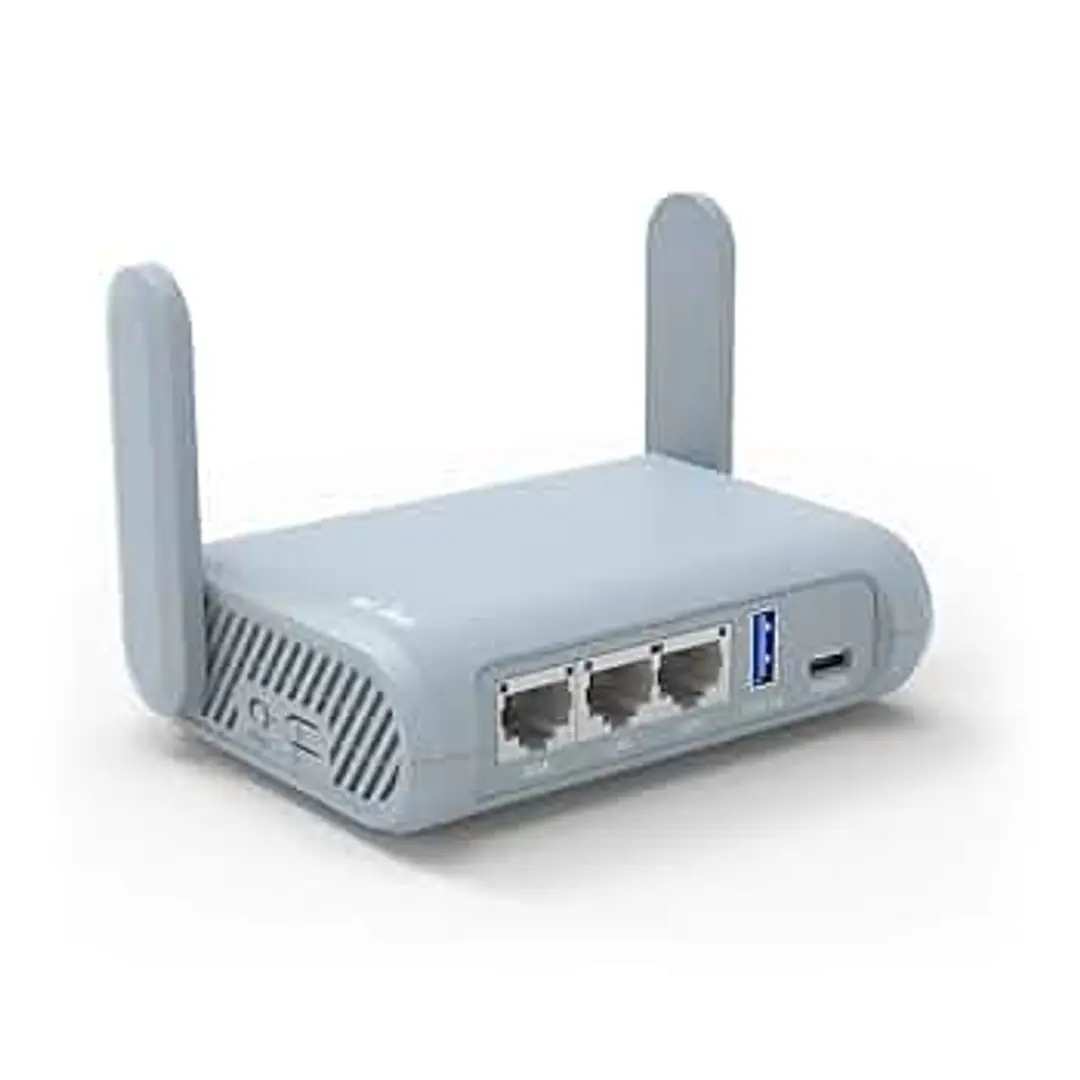
First-time GL.iNet router users? Do not panic! In fact, the process of setting up a GL Inet is a very simple one-no matter the level of your experience. The compact and sleek design of these routers makes them very portable for anyone with a travel-friendly backpack. As privacy, security, and flexibility are high up on the priorities of GL.iNet routers, it means the router can be extensively used just about anywhere: the house, a remote working venue, or on a fast-paced outing.
Power up the GL.iNet router and connect to it using the Wi-Fi or Ethernet. Open a browser and in the address bar type “192.168.8.1” to launch the admin panel. Here, you will be able to set your Wi-Fi name and password, update the firmware, and select your internet sources (Ethernet, tethering, or repeater mode).
Want more privacy? GL.iNet supports built-in VPNs like WireGuard and OpenVPN, plus Tor routing with a click of a button.
Whether it is protecting your home or public Wi-Fi on the road, the GL Inet setup offers powerful features on an intuitive interface with no technical know-how needed.
Related Posts
© 2025 Invastor. All Rights Reserved
User Comments