
Ai Content Generator
Ai Picture
Tell Your Story

 John Smith
EZCAD3 Download – Complete Guide for Setup, Compatibility, and Smooth Laser Operation
When it comes to controlling laser marking machines with precision and stability, one of the most trusted software solutions available in the market is EZCAD3. Many professionals search for EZCAD3 download options to ensure their equipment runs smoothly and efficiently. Whether you are setting up a new laser system, upgrading from an older version, or ensuring compatibility with advanced hardware, this software plays a central role in achieving consistent results.
What is EZCAD3?
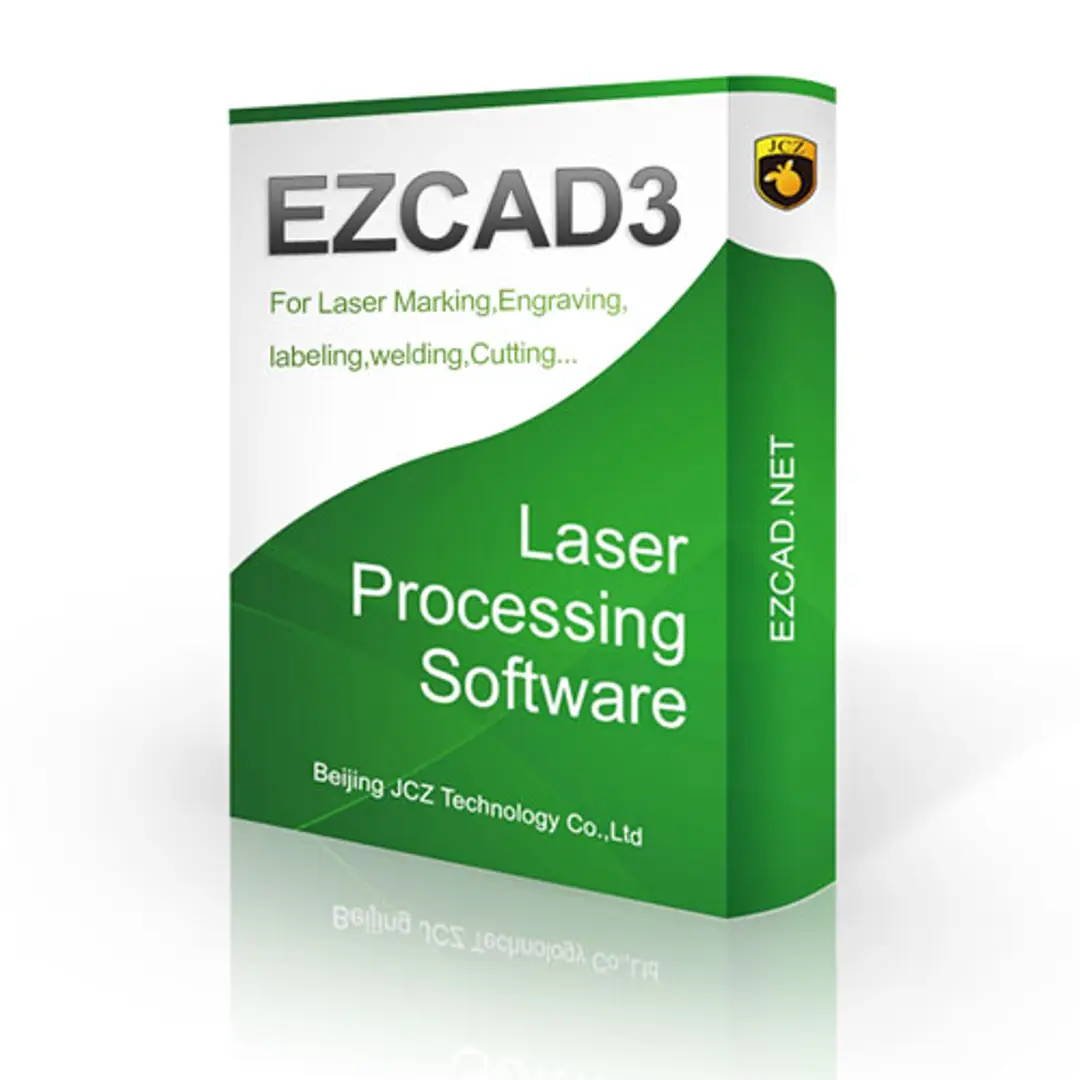
EZCAD3 is a professional laser marking software developed for high-speed, multi-axis, and complex marking applications. It is widely used with fiber lasers, CO₂ lasers, and UV laser machines. Users prefer this software because it supports 2D and 3D marking functions, variable text, barcodes, graphics, and intricate design adjustments. Its structure is designed for both entry-level operators and experienced professionals who need advanced control.
Unlike generic design programs, EZCAD3 directly communicates with the laser machine, ensuring accuracy in beam control, depth marking, and synchronization with external devices. That is why many companies and individuals focus on finding the correct EZCAD3 download to match their hardware.
Why People Search for EZCAD3 Download
There are several reasons why operators and businesses look for a reliable EZCAD3 download:
New Machine Setup – A newly purchased laser machine often requires software installation. Without EZCAD3, the machine cannot operate at full capacity.
Upgrades – Users with earlier versions like EZCAD2 may want to shift to EZCAD3 for improved functions, better 3D support, and more stable processing.
Driver Requirements – Many times, hardware drivers for laser controllers come bundled with the EZCAD3 installer, making the download essential for first-time operation.
Compatibility Checks – Different controllers, such as JCZ boards, require the exact matching software version. Downloading EZCAD3 ensures the controller communicates properly.
Efficiency in Workflow – Having the latest software version reduces errors, ensures smooth file processing, and increases productivity in daily marking tasks.
Compatibility with Hardware and Controllers
Not every laser system can run with any software. EZCAD3 is specifically built for advanced JCZ controllers such as the DLC series. Users who attempt to connect incompatible boards will not achieve proper results. Therefore, choosing the right EZCAD3 download is not just about installing the program; it is about ensuring compatibility with both hardware and controller boards.
When downloading, it is important to verify:
The model of the control card installed in your laser machine.
The operating system version on your PC (Windows 7, 8, 10, or 11).
The firmware requirements of the controller.
Many suppliers provide the correct EZCAD3 package along with the machine. However, if you are downloading separately, cross-checking compatibility is crucial.
Steps for Installation After EZCAD3 Download
Once you have acquired the proper EZCAD3 download, installation usually follows a structured process.
Unzip the Files – Most downloads come as a compressed file package containing the installer, driver files, and documentation.
Install Drivers First – Before launching the software, connect your control board to the computer and install the necessary drivers. This ensures smooth recognition of the hardware.
Run the Installer – Execute the setup file, follow the instructions, and select the appropriate installation path.
Activate and Configure – Some versions may require activation through a USB dongle or license file. After activation, you can configure the software for your laser machine’s specifications.
Test with a Sample File – Import a simple design and run a test mark to confirm that the installation and configuration are successful.
Key Functions After Successful EZCAD3 Download
After installation, operators can unlock various functionalities that make EZCAD3 powerful. While it is not just about marking text or logos, the software provides:
Support for multiple graphic formats including PLT, DXF, AI, and BMP.
3D marking capability, useful for curved surfaces.
Advanced variable text support for serial numbers, QR codes, and barcodes.
Multi-axis motion control integration.
Real-time preview and editing.
These functions ensure that once the EZCAD3 download is properly installed, your laser system achieves higher productivity and flexibility in operations.
Troubleshooting Common Issues
While EZCAD3 is reliable, users may face certain challenges after download and installation:
Driver Not Recognized – This occurs if drivers are not installed in the correct sequence. Reinstalling with administrator rights usually fixes it.
Software Not Opening – If system requirements are not met, the software may fail to launch. Updating Windows libraries often solves this.
Dongle Missing Error – Some versions of EZCAD3 require a USB security key. Ensure it is properly connected.
Controller Connection Issues – Check if the USB cable is functioning and the board drivers are properly installed.
Solving these issues usually requires careful reinstallation and verification of hardware compatibility.
Where to Find a Safe EZCAD3 Download
Finding the right EZCAD3 download is essential, as using unofficial or mismatched files may lead to errors or even hardware issues. The best sources include:
Laser Machine Manufacturer Websites – Many machine suppliers provide official download links for their customers.
JCZ Official Website – Since EZCAD3 is developed by JCZ, downloading directly from their official platform ensures authenticity.
Authorized Dealers – Trusted dealers often provide the installation package along with user manuals and driver updates.
Avoid downloading from random third-party forums where files may be outdated or altered.
Why EZCAD3 Remains Popular
The reason why EZCAD3 download is in high demand lies in its adaptability and industry-wide acceptance. Manufacturers across industries like automotive, medical devices, electronics, and jewelry rely on this software. Its ability to handle complex patterns, support automation, and integrate with production systems makes it a standard tool for professionals worldwide.
Future of EZCAD3
With continuous development in the laser marking industry, EZCAD3 will keep evolving. Its updates will likely include faster processing, broader hardware compatibility, and smarter integration with automation systems. Keeping your software updated ensures you remain aligned with modern requirements and avoid disruptions in production.
Final Thoughts
Searching for EZCAD3 download is not just about getting access to software; it is about unlocking the full potential of your laser marking system. From installation and driver setup to compatibility checks and workflow optimization, EZCAD3 plays a central role in ensuring smooth operation. By downloading from official sources and following proper installation procedures, users can rely on consistent performance, higher accuracy, and long-term stability in laser marking projects.
Related Posts
© 2025 Invastor. All Rights Reserved
User Comments