
Ai Content Generator
Ai Picture
Tell Your Story

.webp&w=256&q=75) Screen Print Direct
Screen Print DirectChoosing the Best Inkjet Printer for Screen Printing: A Complete Guide
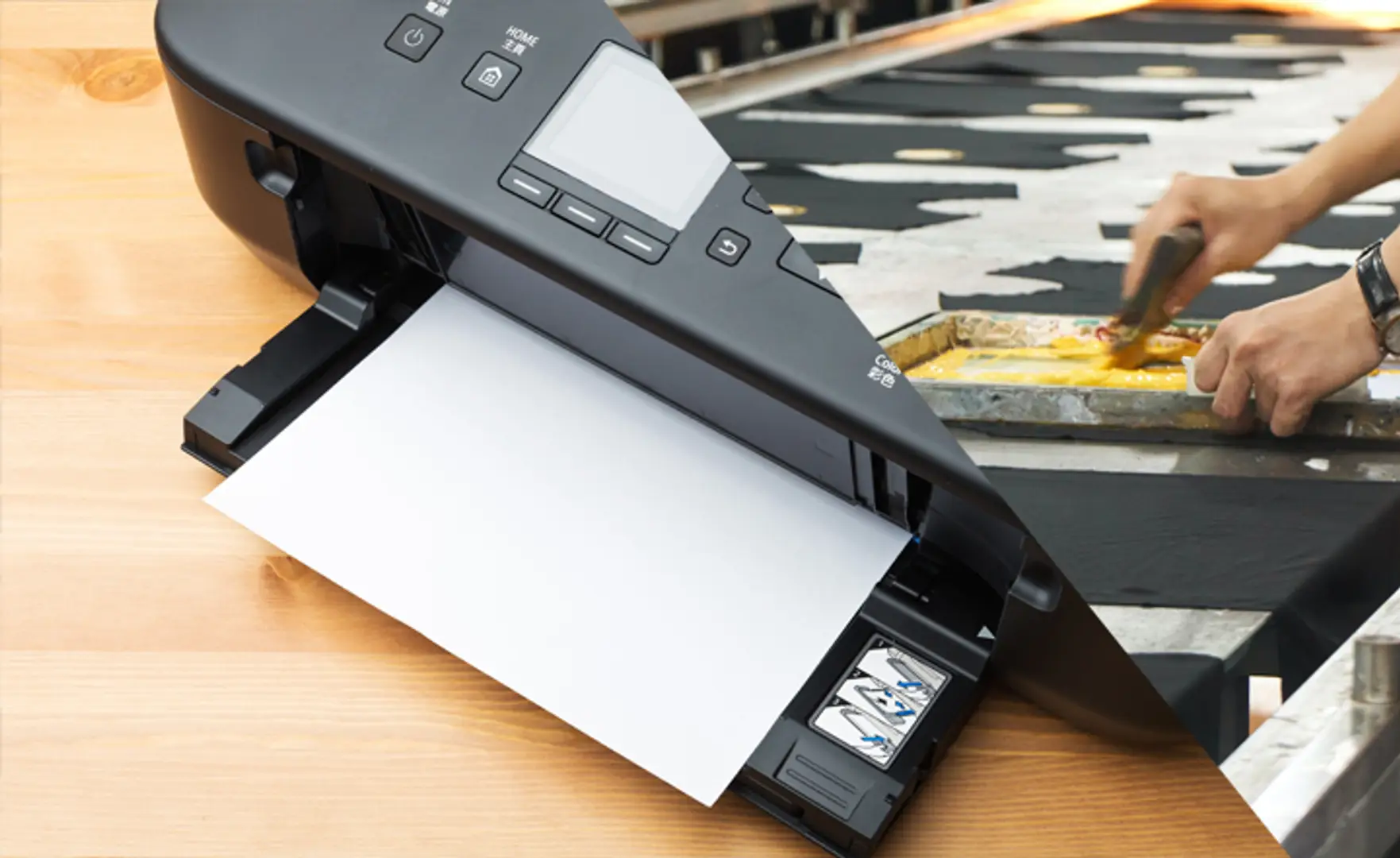
Screen printing is still one of the most popular and useful printing technologies, suitable for producing custom wear, posters, and promotional products. But to achieve top-notch results, you must have the right equipment—and that starts with finding the best screen printing printer. The quality of your printer will decide the crispness, color quality, and longevity of your prints. Here is an ultimate guide for making an informed choice.
Why Inkjet Printers Are Perfect for Screen Printing
Inkjet printers are the preferred choice for screen printing due to their ability to print high-quality films with fine lines and detailed images. This is critical in making transparencies for burning screens. The quality of your film determines how clean your stencils will be, resulting in a perfect print on garments or any other surface.
Key Benefits:
- High DPI output for sharp and precise designs.
- Compatibility with specialty inks such as pigment-based black inks for opaque film positives.
- Affordable and accessible options for both beginners and professionals.
Important Features to Consider
When selecting a printer for screen printing, focus on the following key features:
Print Resolution (DPI)
Seek out a printer that has a resolution of 1440 DPI or higher. The more detailed the resolution, the more detail in your film positives, which corresponds to cleaner screen burns.
Ink Opacity
The ink should be dense enough to cut off UV light during the exposure step. Pigment-based inks are the best choice as they produce darker, more opaque images.
Media Size
Select a printer with larger print sizes, particularly if you intend to print large-scale artworks. A3 and A3+ printers will suit screen printing film best.
Speed and Efficiency
While print quality is essential, production speed becomes important if you operate a busy print business. Look for printers that offer high-quality output accompanied by reasonable print times.
Cost of Operation
Take the ink refill and maintenance cost into consideration. Some professional printers are more expensive to buy but come with lower operating costs in the long run.
Popular Screen Printers
The following are some models highly recommended by screen printers:
Epson SureColor Series – These are widely known for precision and high resolution, notably the P400 and P800 models.
Canon PIXMA Pro Series – Provides superior color reproduction and multi-film type compatibility.
Epson EcoTank Printers – Affordable and well suited for bulk printing thanks to the refillable ink tanks.
Tips for Achieving the Best Outcome
- Employ high-quality film positives to produce clean and opaque prints.
- Regularly calibrate your printer to get uniform results.
- Invest in a good-quality screen exposure unit and screen cure process—adequate curing guarantees that your designs will remain longer without cracking or fading.
- Maintain a clean workspace to prevent dust or debris from influencing your prints.
The Importance of Proper Screen Curing
Even the finest film positives and printing equipment will not ensure long-term results without proper screen curing. Curing guarantees the ink is completely bonded with the fabric so it does not fade or wash away on its own. Employing a flash dryer, heat press, or conveyor dryer can produce a long-lasting finish that will withstand the test of time.
Final Thoughts
Selecting the appropriate printer for screen printing can spell the difference between your success or failure with designs. It all boils down to resolution, ink density, and cost effectiveness. In this way, you can identify a printer that suits you and streamline your workflow. Combine it with correct exposure methods and proper curing of screens, and you are on your way to creating professional-grade prints every time.
Related Posts
© 2026 Invastor. All Rights Reserved
User Comments