
Ai Content Generator
Ai Picture
Tell Your Story

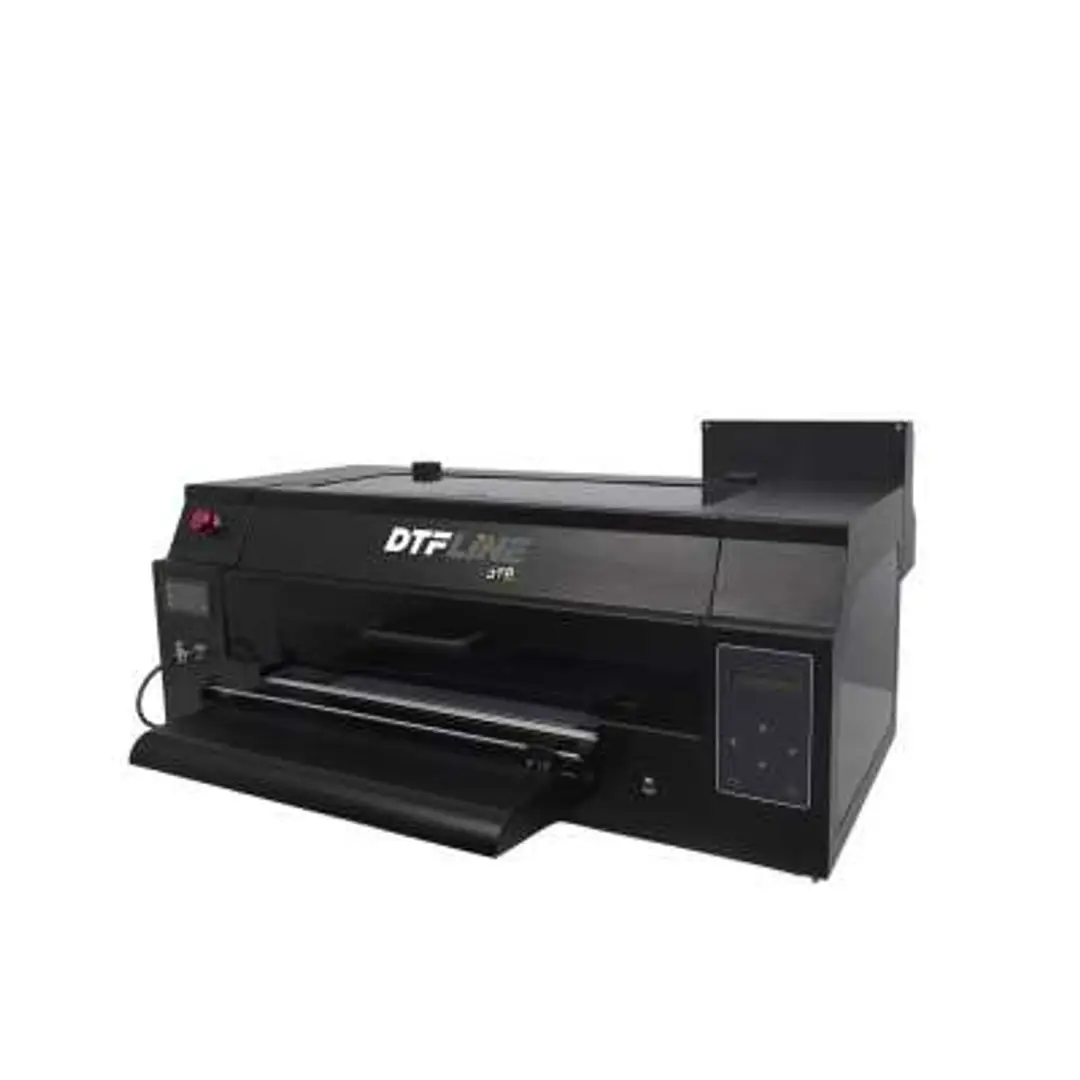
 DTG Pro
Build a Print Empire from Your Desktop with DTF Printer
The dream of launching a profitable custom apparel brand or merchandise business used to come with barriers—expensive equipment, large production spaces, high minimum orders, and complicated setup. But times have changed. Today, DTF (Direct to Film) printing has leveled the playing field, making it possible to build a full-fledged print business right from your desktop.
With a compact DTF printer, a heat press, and some creative spark, anyone—from solo entrepreneurs to side hustlers—can design, print, and sell high-quality products without investing in a factory or warehouse. In this blog, we’ll explore how DTF printing empowers you to build your own “print empire” from the comfort of your home or studio.
What is DTF Printing?
DTF stands for Direct to Film, a modern printing technique that allows you to print vibrant, full-color designs onto a special PET film and transfer them to fabric using a heat press. Unlike traditional methods like screen printing or heat transfer vinyl, DTF works on nearly any fabric—cotton, polyester, blends, denim, nylon, and more—without the need for pretreatment.
The process is simple:
- Print your design on film.
- Apply adhesive powder.
- Cure the powder.
- Heat press the film onto fabric.
It’s efficient, versatile, and perfect for low-volume or on-demand orders—making it ideal for small businesses and solo creators.
Why Start with a Desktop DTF Printer?
Many DTF printers come in compact A3 or A4 sizes, which are perfect for home-based setups. These models are cost-effective, easy to operate, and fit neatly on your work desk. You don’t need an industrial print shop or a warehouse full of inventory to get started.
Here’s what makes a desktop DTF setup so powerful:
- Low Startup Costs – Entry-level printers are affordable, and the consumables (films, inks, powder) are reasonably priced.
- No Minimum Orders – Print only what your customer buys. Zero waste, zero overstock.
- Quick Turnaround – Print and press within minutes. Perfect for fast fulfillment.
- Professional Results – Crisp, detailed prints that look and feel high-end.
In short, you can offer top-quality products without the overhead of a large operation.
What Can You Create with a Desktop DTF Setup?
The beauty of DTF is its adaptability. You’re not limited to t-shirts. With a desktop setup, you can produce:
- Hoodies and sweatshirts
- Canvas tote bags
- Baby clothing and onesies
- Custom aprons and kitchenware
- Pillow covers and home décor
- Team uniforms and event shirts
- Branded corporate gifts
- Small-run fashion collections
The potential to build a diverse product line is massive, all without investing in multiple machines or relying on third-party vendors.
How to Build Your Print Empire
Ready to get started? Here’s a step-by-step guide to launching your DTF-powered business from home.
Step 1: Set Up Your Workspace
You don’t need much space. Just clear a desk or table for your printer and a heat-safe area for your heat press. Ensure good ventilation for curing powder, especially if you’re using a heat gun or oven.
You’ll need:
- A DTF printer (A3 size is ideal for most projects)
- A heat press machine
- PET films, DTF inks, and hot-melt powder
- RIP software (for color management)
- A laptop or PC for design and operation
Step 2: Create or Source Your Designs
Use graphic design tools like Adobe Illustrator, Photoshop, or free platforms like Canva to create your artwork. You can also purchase or license design templates online.
Focus on trends like:
- Motivational quotes
- Pop culture references
- Local pride and city-based themes
- Custom name/number shirts
- Niche hobbies (gaming, sports, pets)
- Start simple and test what resonates with your audience.
Step 3: Print and Transfer
Once your design is ready:
- Use your RIP software to set color profiles and print onto the PET film.
- Apply the adhesive powder and cure it (with a curing oven or heat gun).
- Place the film on the fabric and press it using your heat press (typically 160–170°C for 15–20 seconds).
- Peel the film (cold or warm peel depending on the material), and it’s ready!
Step 4: Sell Your Products
Set up an online store on platforms like:
- Etsy
- Shopify
- Amazon Handmade
- Instagram/Facebook Shops
- Your own website via WooCommerce or Wix
You can also sell at:
- Local markets
- Pop-up shops
- School events or fundraisers
- Niche community groups or clubs
Take high-quality photos, write compelling product descriptions, and promote your items using organic content or paid ads.
Step 5: Scale as You Grow
As orders increase, consider expanding your setup:
- Upgrade to a dual-head or A2 printer for higher output
- Add a curing oven for faster processing
- Offer bulk orders or B2B services
- Hire help for pressing and packaging
- Partner with local artists or influencers
The beauty of starting from your desktop is that you can scale at your own pace, reinvesting profits into growth.
Final Thoughts
The rise of DTF printing has eliminated many of the roadblocks that once kept people from entering the apparel and merch business. With nothing more than a printer on your desk and a vision in your mind, you can build a brand, grow a following, and earn a real income—without needing a massive budget or a commercial facility.
Related Posts
© 2025 Invastor. All Rights Reserved
User Comments