
Ai Content Generator
Ai Picture
Tell Your Story

 Robert Parker
Best Video Converter Tools: What to Use and Why It Matters
Do you need to change the format of an MP4 file? An MP4 converter is the best way to make sure that your files are compatible, easy to modify, or meet the needs of a specific device. This is a brief article that will help you learn what MP4 converters do and how to use them well.
What is a Video Converter?
An MP4 converter is a piece of software or hardware that changes MP4 files into other audio or video formats, such as MOV, AVI, MKV, WMV, or even MP3. These tools let you make your video work on numerous platforms, make the file smaller, or let you edit it with software that doesn’t support many formats.
Why Do We Need a Video Converter?
MP4 works with a lot of different things, but there are times when converting makes sense:
- Some editing programs work better with MOV or AVI files than others.
- MP4 can not work on older devices or niche platforms.
- It’s easy to change an MP4 file to an MP3 file to get just the sound.
- Compression: Make files smaller without losing too much quality.
Methods to Convert Video Files:
HandBrake (Free & Open Source)
- Converts MP4 to MKV, WebM, and more
- Highly customizable
- Works on Windows, macOS, and Linux
CloudConvert (Online Tool)
- No download needed
- Supports many formats and presets
- Great for one-off conversions
VLC Media Player
- Free media player with built-in conversion options
- Can convert MP4 to AVI, MOV, and other formats
FFmpeg (Advanced Users)
- Powerful command-line tool
- Supports bulk conversions and fine-tuned settings
Best Video Converter Software: With Multiple Features
Softaken Audio Video Converter is a simple program for your computer that can change many different types of audio and video files. This utility lets you convert files without any problems and with great quality output, whether they are MP4, AVI, MOV, MKV, WMV, MP3, WAV, FLAC, or more. The software is made for both new and experienced users. It has a simple, clean layout that doesn’t confuse customers with too many settings. The tool lets you convert a lot of files at once, which makes it easier to do so. It also keeps the quality of the original files, so your converted video and audio tracks will look and sound just as excellent as the originals. Users can download this video converter on any Windows OS.
Benefits of Using This Software
- It works with all audio and video formats.
- Changing a lot of files at once.
- No loss in quality when converting.
- An interface that is easy to use and lets you drag & drop.
- The quick speed of conversion.
- Works with all versions of Windows OS.
How to Use this Video Converter
- After you install it, open the software and add files by clicking the “Add Files” button or by dragging and dropping them into the app.
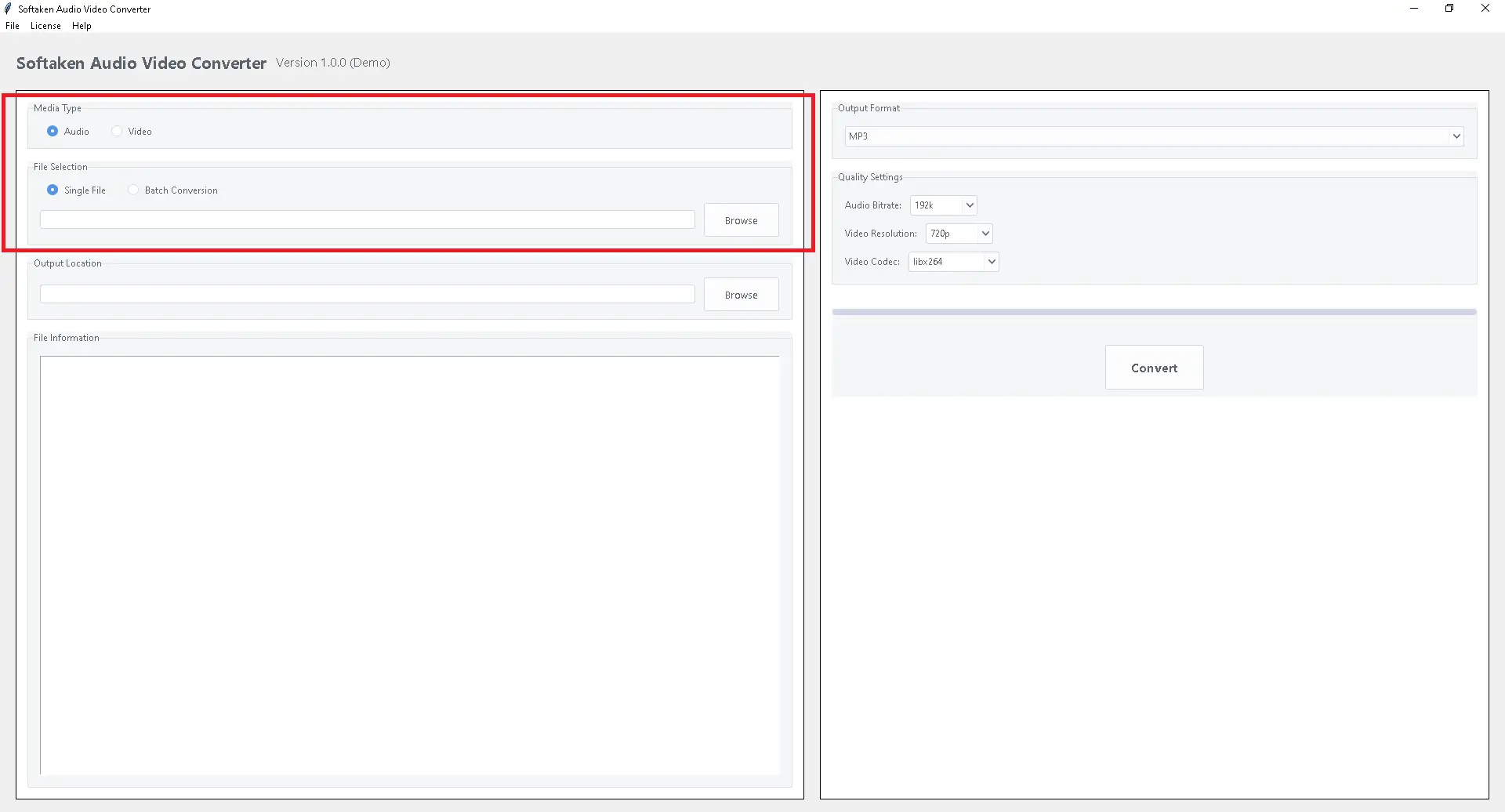
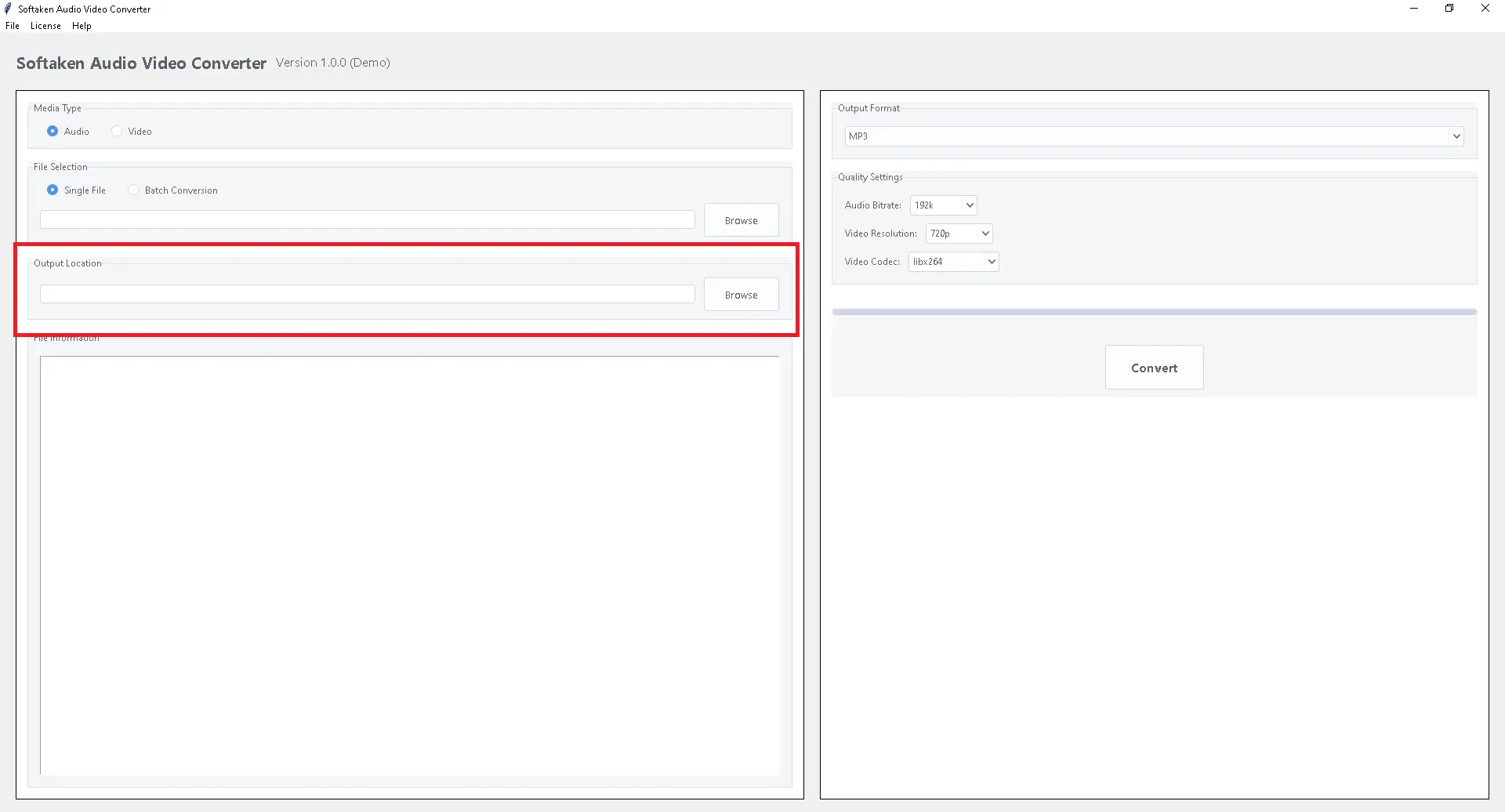
- Select the folder where you wish the files that have been converted to be saved. This makes it easier to find them when the process is over.
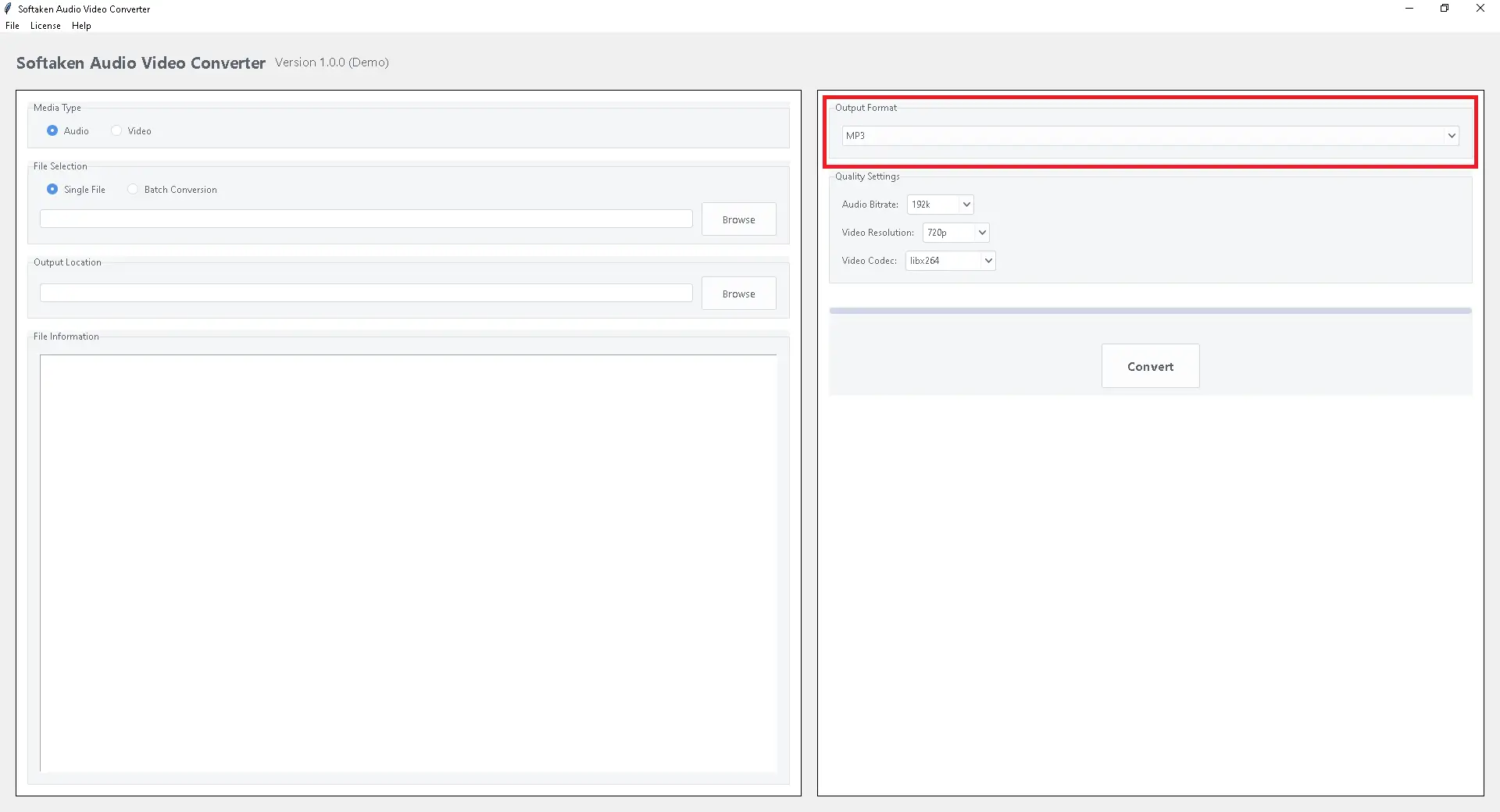
- Choose the format you wish to convert your MP4 file into from the list of available output formats.
- To start the conversion process, you need to click the “Convert” button.
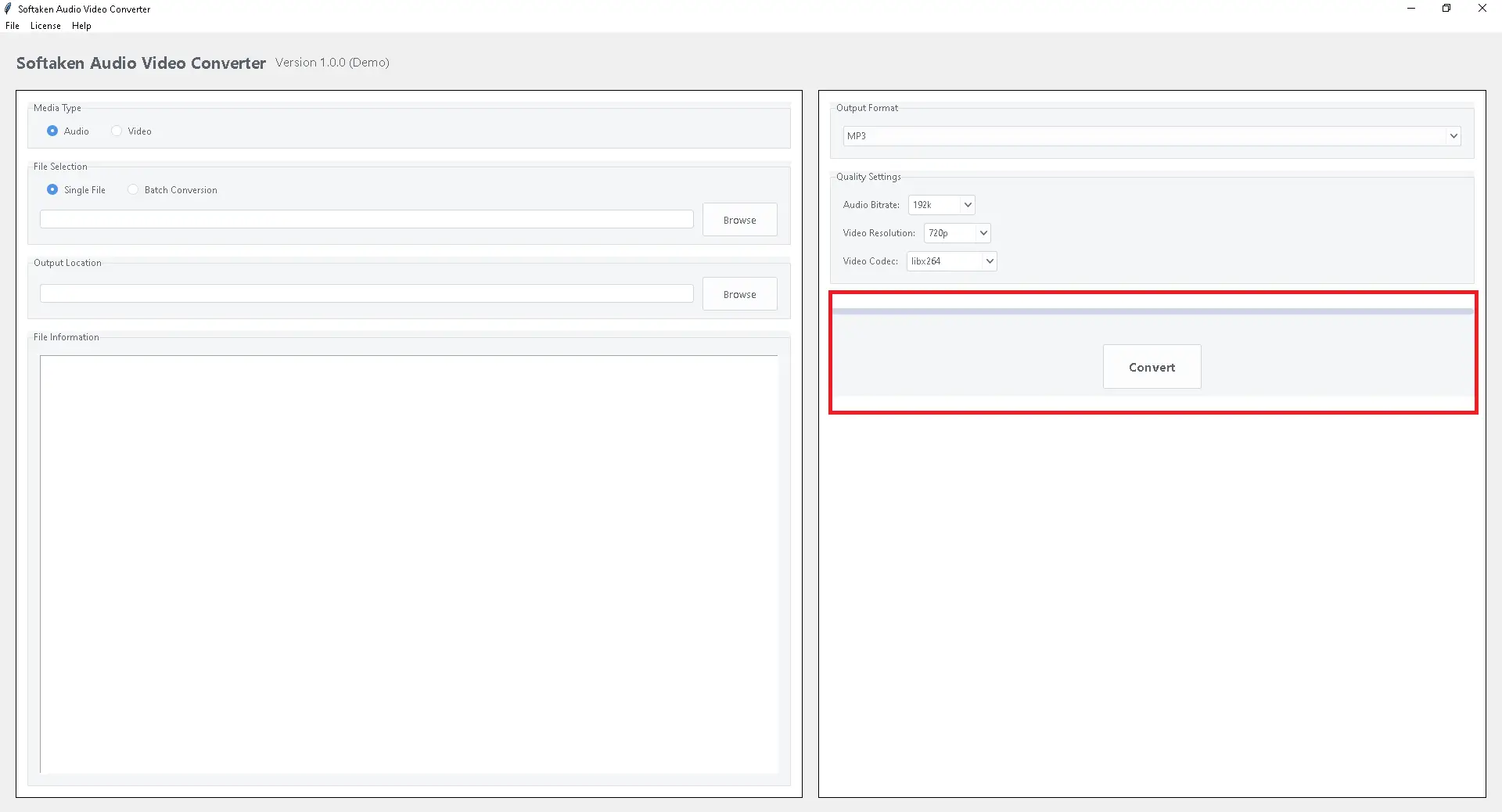
- The program will instantly change your MP4 files into the format you chose without losing any quality.
Conclusion:
The Video Converter is a good alternative for Windows users who often convert MP4s to audio files (such as MP3 or AAC) or re-encode films. Just install it, load your files, choose the formats you want, change the parameters if you need to, and click convert. If you often process huge batches and like a visual interface, this is a good choice because it has a preview and quality controls. The best video file converter will be suggested by Softaken Audio Video Converters, which lets you change, edit, or share your videos on any device or platform. There is a tool out there for everyone, from beginners to power users.
Related Posts
© 2025 Invastor. All Rights Reserved
User Comments