
Ai Content Generator
Ai Picture
Tell Your Story

.webp)
.webp&w=256&q=75) Kar Studio
Kar StudioHow to Use an AI-Powered Car Photo Editor to Boost Online Listings
In today’s digital-first car marketplace, high-quality visuals are not just a bonus—they’re essential. With buyers browsing dozens of listings at lightning speed, your photos must do more than show the car. They must stop the scroll.
But how do you create stunning, dealership-quality images without expensive photography gear or complex editing software?
Enter the solution: the AI-powered car photo editor.
These intelligent tools are transforming how sellers—from individuals to dealerships—present vehicles online. In this post, we’ll break down exactly how to use AI-powered car photo editors to create polished, professional images that boost your listings and sell cars faster.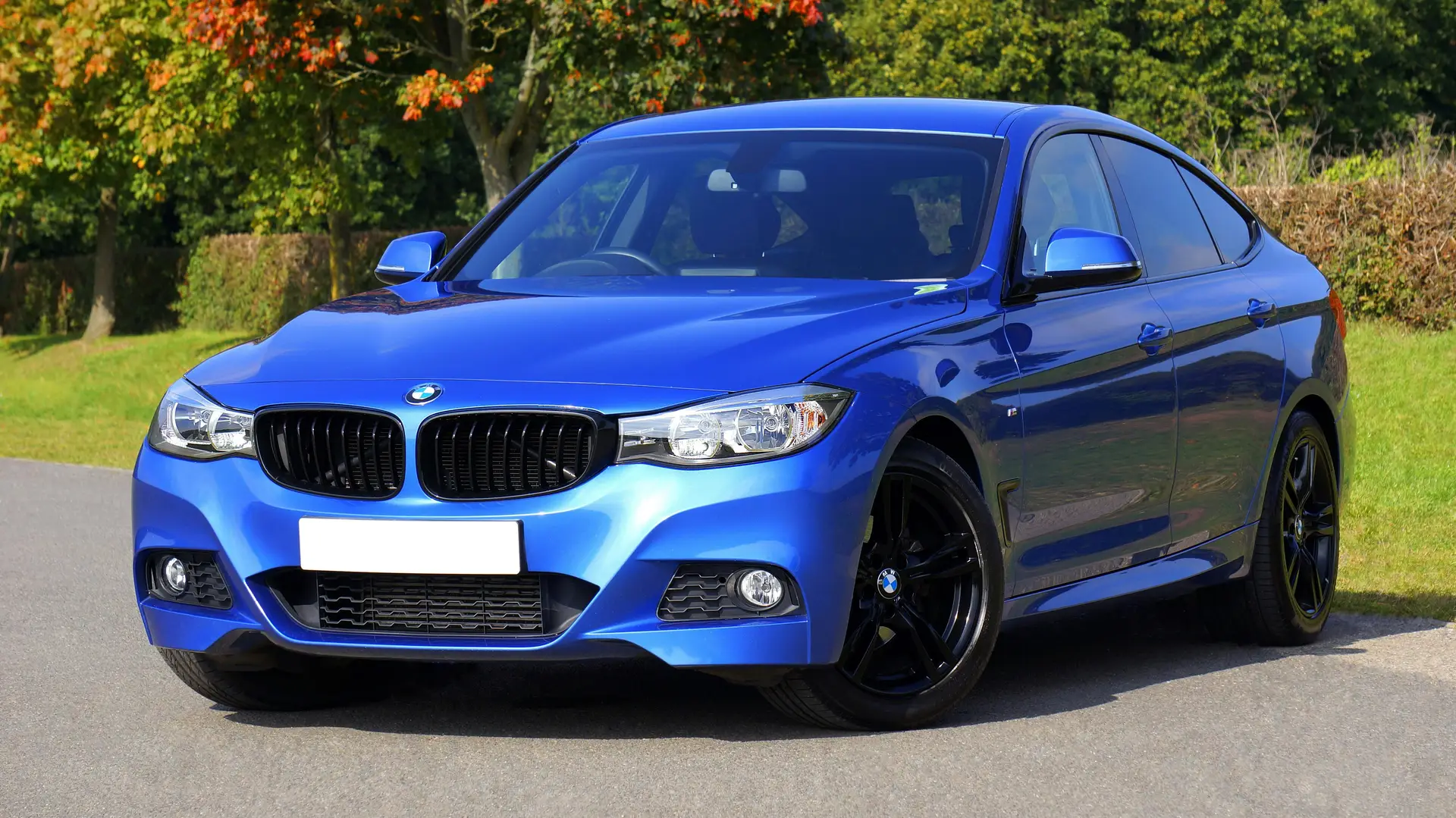
Why Great Car Photos Matter
First impressions are made in seconds. According to industry data:
- Listings with high-quality photos receive up to 3x more engagement.
- 70% of car buyers say images are more influential than vehicle descriptions.
- Poor photos can lead buyers to skip listings—even if the car is priced right.
- In other words, your images must do the talking.
What Is an AI-Powered Car Photo Editor?
An AI-powered car photo editor is a digital tool that uses artificial intelligence to:
- Automatically detect the vehicle in your image
- Remove or replace the background
- Adjust lighting and shadows
- Sharpen image clarity
- Frame the car for maximum visual appeal
All of this can be done with just a few clicks—no photography experience or design skills needed.
Step-by-Step: How to Use an AI Car Photo Editor
Here’s how you can turn ordinary car images into show-stopping visuals:
1.Capture the Right Raw Photo
- Use your smartphone or digital camera
- Shoot during soft daylight (early morning or late afternoon)
- Avoid harsh shadows, direct sunlight, and cluttered backgrounds
- Take multiple angles: ¾ front, side profile, interior, wheels, dashboard
2.Upload to an AI-Powered Car Photo Editor
- Open your preferred editor (e.g., Kar Studio)
- Upload your image directly from your device
- The tool will automatically detect the car and isolate it from the background
3.Choose Your Background or Enhancement Style
- Select from a library of clean, professional backgrounds (e.g., studio, showroom, outdoor)
- Or keep the original background and apply lighting/clarity enhancements only
- Some tools offer dealership-branded templates or seasonal themes
4. Preview and Adjust (If Needed)
- The AI will process your image in seconds
- Check for cropping, alignment, or highlight adjustments
- Most tools allow one-click fixes or advanced manual tweaks if you want more control
5.Download and Use in Your Listings
- Save your enhanced photo in high resolution
- Upload it to car listing platforms, your website, or social media ads
- Ensure consistency by using similar edits for all vehicles
Pro Tips for Maximum Impact
- Use at least 20–25 photos per listing to build buyer trust
- Include close-ups of the dashboard, odometer, tires, and key features
- Be transparent: Don’t over-edit dents or damage—accuracy builds credibility
- Keep branding consistent by using the same background or overlay for all listings
Final Thoughts
You don’t need to be a professional photographer to make your listings stand out. With the help of AI-powered car photo editors, anyone can create clean, studio-quality car images that attract more views, build trust, and ultimately lead to faster sales.
Related Posts
© 2025 Invastor. All Rights Reserved
User Comments