
Ai Content Generator
Ai Picture
Tell Your Story

 james Alex
Slideshare Downloader Access and Save Presentations with Ease
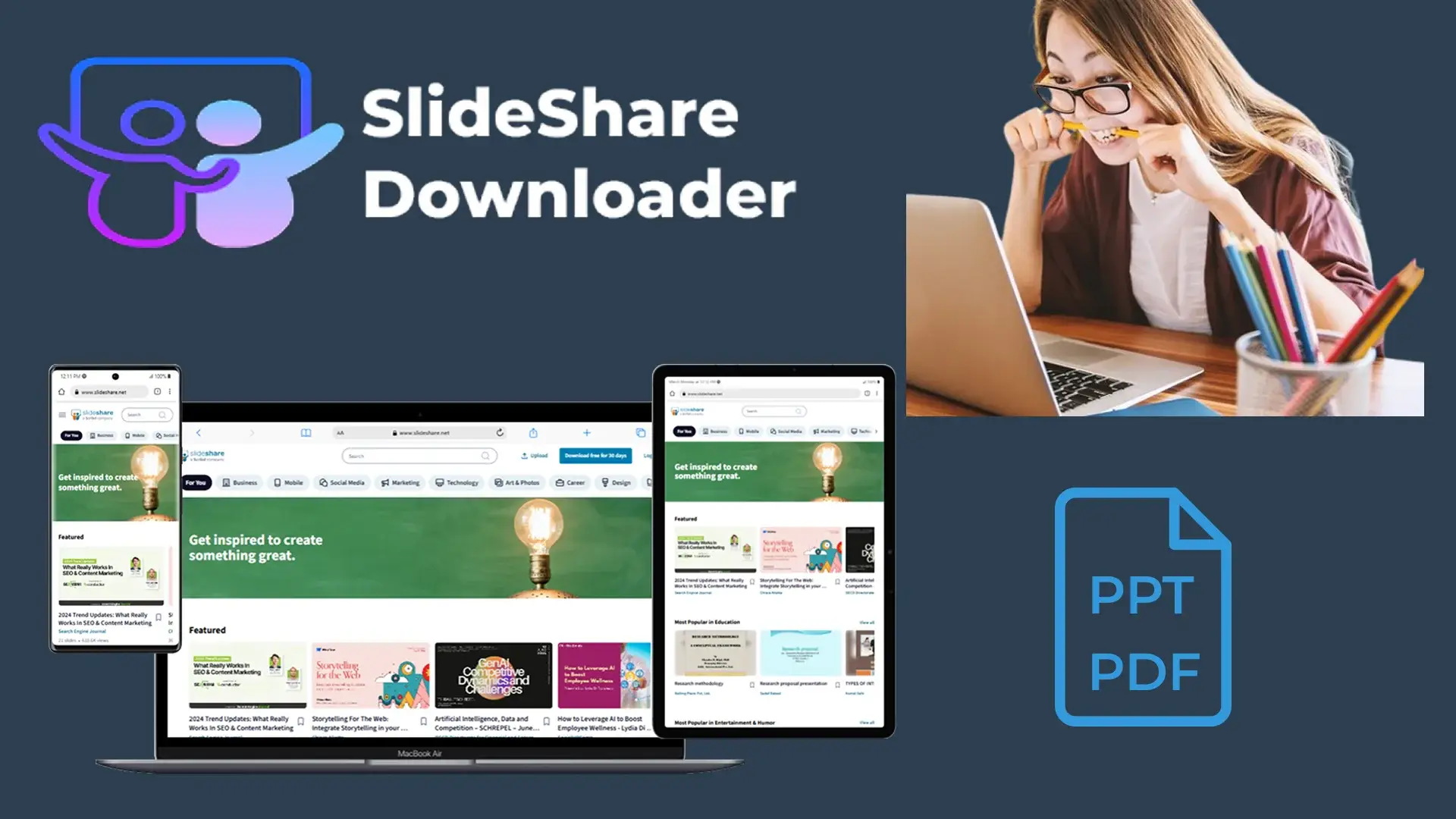
SlideShare is a popular platform where professionals, educators, and students share presentations on a wide range of topics. While the platform allows users to view content online, downloading those presentations for offline use or further study can sometimes be restricted. That’s where a SlideShare downloader becomes useful—a tool designed to help users save presentations directly to their devices.
What Is a SlideShare Downloader?
A SlideShare downloader is a tool or software that enables users to download presentations hosted on SlideShare. These tools can extract slides from a public presentation and convert them into formats like PDF, PPT, or images. This allows offline access, better study flexibility, and the ability to reference or present the materials without an internet connection.
Why Use a SlideShare Downloader?
Here are several reasons why users may prefer using a downloader:
Offline Viewing: Presentations can be saved and viewed without internet access.
Study & Research: Students can collect educational slides and materials for reference.
Teaching & Training: Educators can use downloaded slides in classrooms or training environments.
Convenience: It saves time and allows easy access to materials anytime.
Types of Downloaders
There are two main types of SlideShare downloaders:
Web-based Tools: These require users to paste a SlideShare URL into an online form, and the tool generates a downloadable file.
Software Applications or Browser Extensions: These are installed on a device or browser and offer more customization options, including batch downloads or format selection.
Considerations When Using SlideShare Downloaders
Respect Copyrights: Not all SlideShare content is free to use. Always make sure the material you’re downloading is either your own, public domain, or shared under a license that permits reuse.
Privacy and Security: Avoid tools that ask for sensitive information. Use trusted sources and scan downloaded files for viruses or malware.
File Quality: Some downloaders may compress files or strip out design elements. Choose tools that preserve formatting for professional use.
Limitations
Private Presentations: Downloaders typically don’t work on password-protected or private SlideShare presentations.
Updated Content: If the original presentation is updated, you’ll need to re-download it for the latest version.
Conclusion
SlideShare downloaders are a valuable tool for professionals, students, and educators who want to keep educational resources handy. While using them, it’s essential to be mindful of intellectual property rights and to rely on secure, reliable tools. With the right downloader, gaining offline access to quality presentations becomes simple and efficient.
Related Posts
© 2025 Invastor. All Rights Reserved
User Comments